StackHawk logo featuring a stylized hawk icon on the left and STACKHAWK in bold, uppercase letters to the right. The white text and icon on a light gray background reflect its focus on Shift-Left Security in CI/CD.



Test Your Remote MCP Servers for Security Vulnerabilities

StackHawk tests remote MCP servers for security vulnerabilities, finding injection attacks, SSRF, and data exposure before they reach production. Same runtime testing engine, same platform, new protocol.

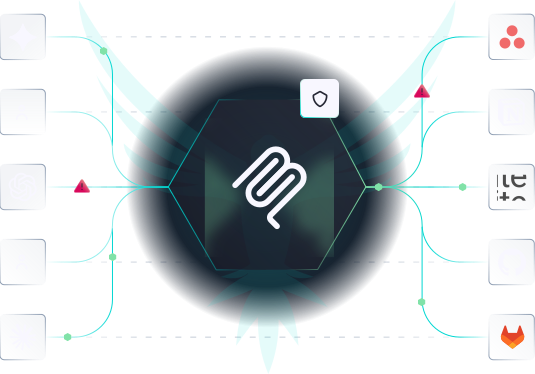
A hexagon with a white abstract logo is in the center, connected by lines to various app icons, including Google and Asana, on either side, indicating data integration or workflow automation.

MCP Servers Are a Front-Line Attack Vector
MCP servers connect AI tools directly to your APIs, databases, and internal systems — inheriting every vulnerability in your backend through a protocol most teams aren’t testing. They proliferate fast, often without security review, exposing both organizations and their end users to injection attacks, SSRF, and data exposure.
Two dark squares connected by lines, each containing turquoise icons: the left has a coil-like symbol, the right has a shield. A faint abstract bird with outstretched wings is in the background.

Close The Blind Spot

Most teams are shipping MCP servers with zero automated security testing. StackHawk gives your AppSec team coverage over an attack surface that had no tooling until now.
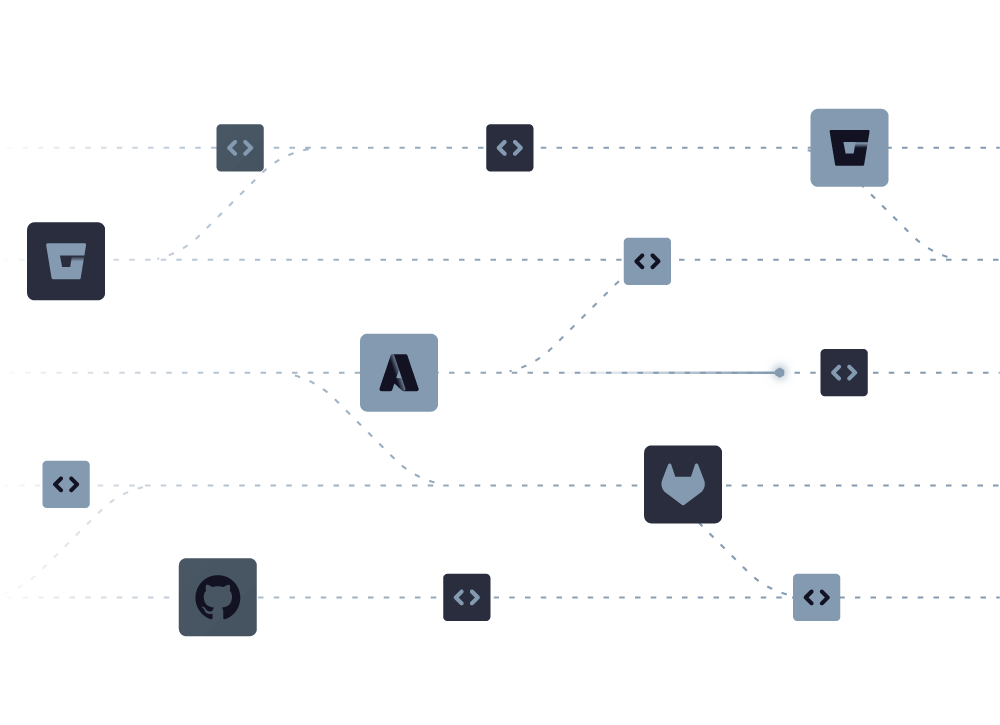
A minimalist diagram displays code repositories and dev tools (GitHub, GitLab, Bitbucket) connected by dotted lines, symbolizing Shift-Left Security in CI/CD and networked workflows on a light background.

Zero New Workflow

Add an MCP block to your stackhawk.yml and run a scan. Same config file, same scanning engine, same platform. Your team doesn’t need to learn a separate tool to secure a new surface.
Screenshot of a web interface showing an SQL Injection warning (HIGH, CWE-89) and a response panel with technical details and headers for a user search endpoint.

Actionable Findings

Results tie to specific MCP tools, not raw JSON-RPC calls so developers know exactly what to fix and where. Plus, findings show up alongside existing StackHawk findings with reproduction steps and remediation guidance.

MCP Server Risks StackHawk Helps Prevent

By simply pointing StackHawk at your MCP server, it automatically finds every tool your server exposes, scans each for security risks, and surfaces them alongside your other risks.
A teal outline of a dropper releasing a single droplet, set against a pale blue background, symbolizes the precision of AppSec Risk Prioritization in modern security workflows.

Injection Attacks

MCP tools that pass user input to a backend database or web interface without validation, enabling unauthorized access or session hijacking.

A teal outline of a speech bubble with an exclamation mark inside, drawn on a light blue background, represents API Attack Surface Discovery—highlighting the importance of identifying risks early for effective API security.

Server-Side Request Forgery

MCP tools that can be used to reach internal systems, cloud metadata, or admin panels that were never meant to be externally accessible.

An icon of a document with lines of text and an open padlock in front, symbolizing unlocked or accessible information—perfect for illustrating AppSec Risk Prioritization or highlighting Shift-Left Security in CI/CD. Blue tones on a light background.

Sensitive Data Exposure

MCP tools that return more than intended — PII, API keys, or internal system details — in their responses.

Start Testing your Remote MCPs

StackHawk is the first and only DAST tool that scans MCP servers for security vulnerabilities. Add MCP testing to your existing StackHawk workflow in minutes.